 Mar 14, 2025 - 0
Minutes read
Mar 14, 2025 - 0
Minutes read
Complex Project Management: ClickUp Features That Boost Team Scalability
The Complexity Conundrum: Why Scaling Teams Need Smarter Tools
As organizations grow, so does the complexity of their projects. What once could be managed with simple checklists or siloed workflows quickly becomes unmanageable when teams scale across departments, time zones, and priorities. Coordination becomes a challenge—not because the team isn’t capable, but because the tools no longer match the scope of the work.
Some of our links may be affiliate links and if you buy through our link, we might generate some commissions.
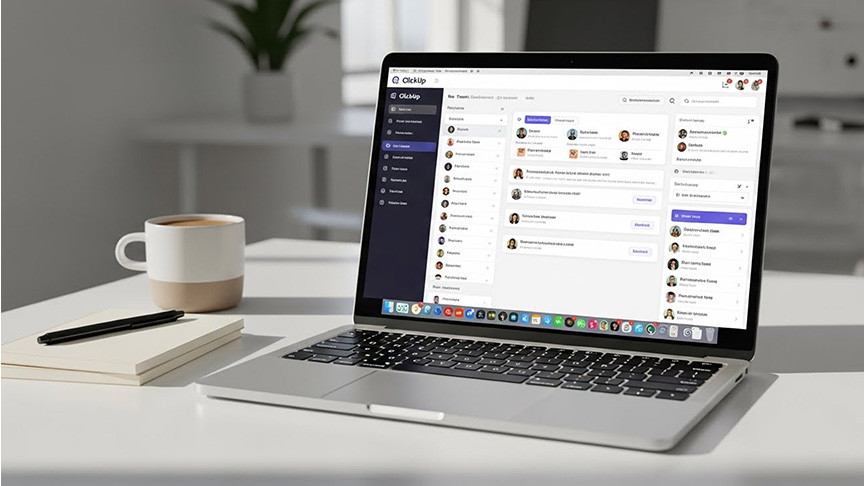
In scaling environments, complexity often emerges in the form of disconnected communication, inconsistent processes, and a lack of visibility into who’s doing what, by when. Without the right systems in place, project timelines stretch, accountability blurs, and team momentum stalls. That’s where smarter project management tools like ClickUp come in.
ClickUp is designed to centralize work, streamline communication, and create clarity at every level—whether you're managing a two-person sprint or orchestrating a multi-team product launch. With features like customizable workflows, integrated docs, and real-time dashboards, teams can adapt their processes as they scale—without losing the structure or agility needed to stay aligned.
The complexity isn’t going away. But with the right tools, teams can shift from reactive coordination to proactive collaboration—keeping work efficient, transparent, and on track, no matter how large the project grows.
ClickUp at a Glance: All-in-One Control for Complex Workflows
ClickUp brings together all the essential elements of project management into one unified platform, built to handle the demands of complex, fast-moving work environments. Whether you're managing cross-functional teams, juggling shifting priorities, or scaling operations across multiple departments, ClickUp offers the flexibility and control needed to stay aligned and productive.
With a single platform, teams can manage every stage of their workflow while maintaining visibility and structure. Key capabilities include:
Customizable Workspaces – Tailor views, fields, and workflows to align with team-specific processes and evolving project needs.
Integrated Task and Document Management – Keep tasks, documentation, and collaboration centralized to minimize tool-switching and miscommunication.
Real-Time Dashboards – Gain instant visibility into progress, bottlenecks, and team workload with live reporting and visual data insights.
Automation and Templates – Standardize recurring processes and reduce manual work through automations and reusable templates.
Seamless Integrations – Connect with tools like Slack, Google Drive, Zoom, and more to maintain continuity across systems.
By combining flexibility with control, ClickUp enables teams to navigate complexity without adding to it—offering a scalable, all-in-one solution for managing high-impact work.
Task Automation That Works While You Scale
As teams grow, the volume of recurring tasks, status updates, and handoffs can quickly overwhelm even the most organized workflows. ClickUp’s automation features are designed to ease that burden—reducing manual work, minimizing errors, and freeing up time for high-value activities.
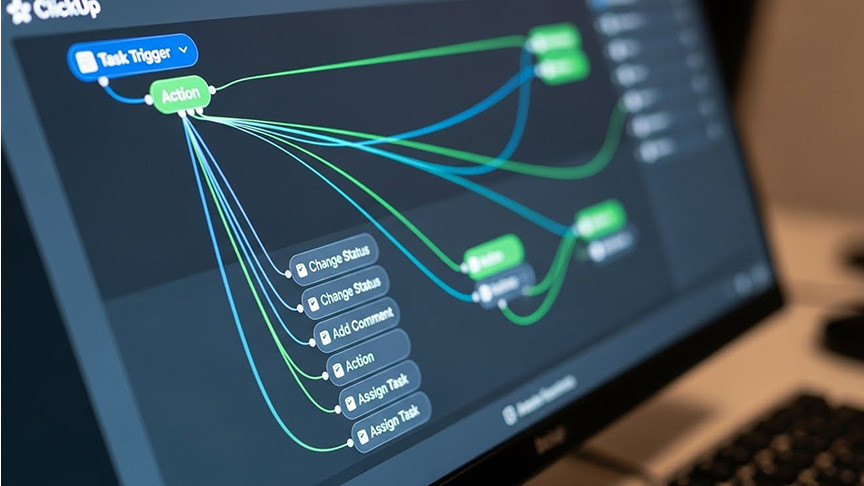
With over 100 pre-built automation recipes and the ability to create custom triggers, ClickUp allows teams to streamline repetitive tasks across projects. From automatically assigning tasks based on status changes to updating due dates, notifying stakeholders, or moving items between lists, automation ensures that routine actions happen without constant oversight.
Key automation capabilities include:
Trigger-Based Workflows – Set actions to occur automatically based on task status, priority, assignee, or custom fields.
Cross-Project Automation – Apply consistent logic across different teams or workspaces to maintain alignment at scale.
Template-Driven Setups – Build and reuse automation templates to standardize recurring project processes.
Real-Time Notifications – Keep teams in the loop with automatic alerts and updates based on workflow activity.
By reducing dependency on manual input, ClickUp’s automation engine helps teams maintain operational efficiency—even as projects grow in size and complexity. It’s not just about working faster—it’s about working smarter, with systems that scale alongside your team.
Custom Hierarchies: Structure That Grows with Your Team
As organizations expand, so does the need for clear, scalable structure. ClickUp’s custom hierarchy system—built around Spaces, Folders, and Lists—offers a flexible way to organize work without locking teams into rigid systems. This layered approach allows you to align project organization with how your teams actually operate.

At the top level, Spaces represent broad departments or functions, such as Marketing, Product, or Operations. Within each Space, Folders group related initiatives, while Lists break down specific projects or workflows into manageable tasks. This structure allows teams to scale without sacrificing clarity or context.
Here's how ClickUp’s hierarchy supports scalable growth:
Spaces – High-level areas that separate work by department, client, or team, providing focused environments for different groups.
Folders – Organize initiatives, campaigns, or large projects within each Space to keep related work centralized.
Lists – Detail specific workflows, task groups, or phases of a project, giving teams a focused view of their day-to-day work.
Nested Subtasks and Checklists – Add depth to individual tasks for more granular tracking and execution.
Custom Views and Filters – Tailor the interface to individual roles, allowing users to surface what matters most to them.
This hierarchy not only supports current workflows but evolves with your organization—providing a structured, adaptable foundation for managing work at every level of scale.
Scalable Collaboration: Docs, Comments, and Real-Time Updates
As teams grow and distribute across locations and time zones, keeping everyone aligned becomes more challenging—and more critical. ClickUp addresses this by embedding collaboration directly into every layer of work, making communication seamless and context-driven.
With ClickUp Docs, teams can create, share, and collaborate on documents within the same workspace where tasks live. Whether it's meeting notes, project briefs, or SOPs, Docs stay connected to the work they support, reducing the friction of switching tools or losing version control.
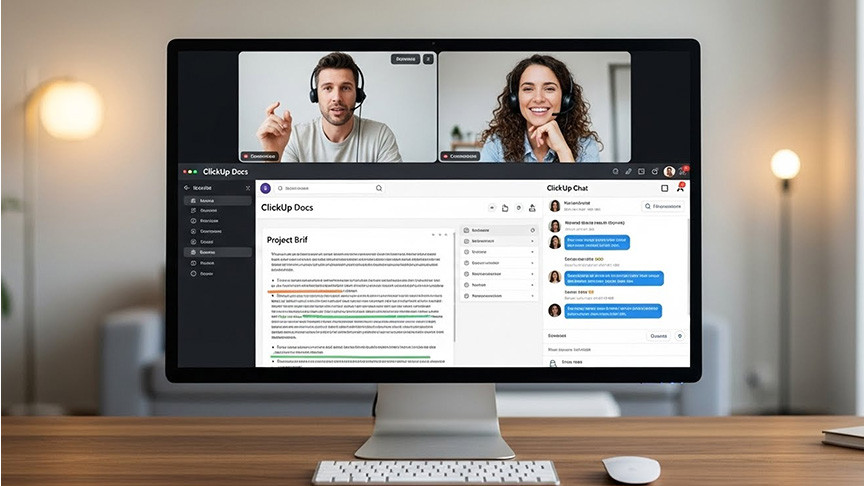
Comments in ClickUp go beyond basic messaging. Users can leave task-specific feedback, tag teammates, and even assign action items—all in-line with the work itself. This ensures that discussions happen in context, and nothing gets lost in email threads or disconnected chat apps.
To keep pace with fast-moving projects, real-time updates give team members immediate visibility into changes—whether it's task progress, new assignments, or document edits. Combined with in-app notifications and integrations, everyone stays informed without needing constant check-ins.
Key collaboration features include:
ClickUp Docs – Rich-text editing with task linking, permissions, and real-time co-authoring.
Threaded Comments – Add context to any task or doc with actionable feedback and direct mentions.
Assigned Comments – Turn discussions into to-dos by assigning comments as tasks.
Real-Time Syncing – Instant updates across devices so teams always see the latest information.
Integrated Communication – Keep conversations tied to work, reducing tool fragmentation.
Together, these features make ClickUp a scalable hub for collaboration—keeping teams connected, aligned, and focused, regardless of size or location.
Templates That Tame the Chaos of Recurring Projects
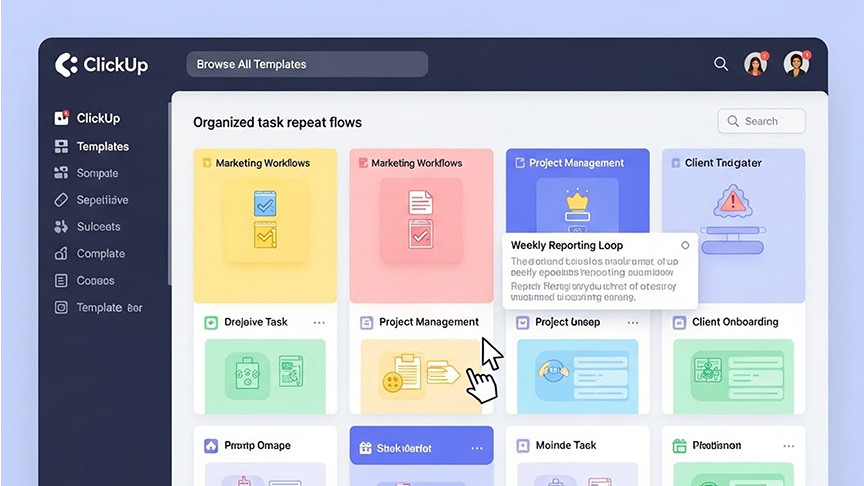
When teams manage recurring projects—campaigns, product launches, onboarding processes—starting from scratch every time isn’t just inefficient, it’s unsustainable. ClickUp’s template system offers a powerful solution, enabling teams to replicate proven workflows with consistency and speed.
ClickUp allows you to create templates for nearly every element of a project: tasks, checklists, lists, folders, and even entire spaces. These templates preserve the structure, assignments, due dates (relative or fixed), dependencies, and custom fields—making them ideal for scaling repeatable work without sacrificing quality or oversight.
For growing teams, this means more than just saving time. Templates help standardize processes across departments, improve handoffs, and reduce onboarding friction for new team members. When best practices are built into the workflow, execution becomes more predictable and less error-prone.
Ways teams use ClickUp templates effectively include:
Project Kickoff Templates – Pre-loaded with tasks, timelines, and roles to streamline launches.
Team Onboarding Templates – Standardized checklists and training sequences to support consistent onboarding experiences.
Campaign or Sprint Templates – Replicate recurring marketing or development cycles with built-in review steps.
Client Deliverable Templates – Ensure quality and consistency in external-facing work.
By turning successful workflows into repeatable models, ClickUp templates help teams eliminate chaos, reduce setup time, and maintain consistency—even as the pace and volume of projects increase.
Integrations and Workflows: Building a Connected Project Ecosystem
As teams scale, so does the complexity of their toolset. Disconnected apps and fragmented workflows can lead to information silos, duplicated work, and missed updates. ClickUp addresses this challenge by offering a wide range of integrations that connect your existing tools into a unified project ecosystem.
ClickUp integrates seamlessly with popular platforms like Slack, Google Workspace, Zoom, Microsoft Teams, GitHub, Zapier, and many others. These connections allow teams to automate updates, sync data across systems, and keep work centralized—without forcing a shift away from tools they already rely on.
Beyond direct integrations, ClickUp’s API and automation engine provide further customization, allowing teams to tailor workflows to their unique needs. Whether it’s triggering actions in third-party apps based on task updates or pulling data into ClickUp from CRM or dev tools, the platform adapts to your tech stack—not the other way around.
Key integration benefits include:
Cross-Tool Communication – Push task updates to Slack or Teams for real-time visibility.
Calendar and File Syncing – Integrate with Google Calendar, Outlook, and cloud storage to keep everything aligned.
Development Workflows – Connect with GitHub, GitLab, or Bitbucket to link code updates with project progress.
No-Code Automation – Use tools like Zapier or Make to build workflows across apps without engineering resources.
Custom API Connections – Build tailored integrations to support specialized systems and enterprise needs.
By connecting the tools your team already uses, ClickUp helps create a more efficient, scalable workflow—reducing friction, improving data flow, and supporting collaboration at every level of growth.
Dashboards and Reporting: Data-Driven Decisions at Every Level
Scaling teams need more than just visibility—they need actionable insights. ClickUp’s dashboards and reporting tools offer leaders a real-time view into team performance, project health, and resource allocation, making it easier to make informed decisions as complexity increases.
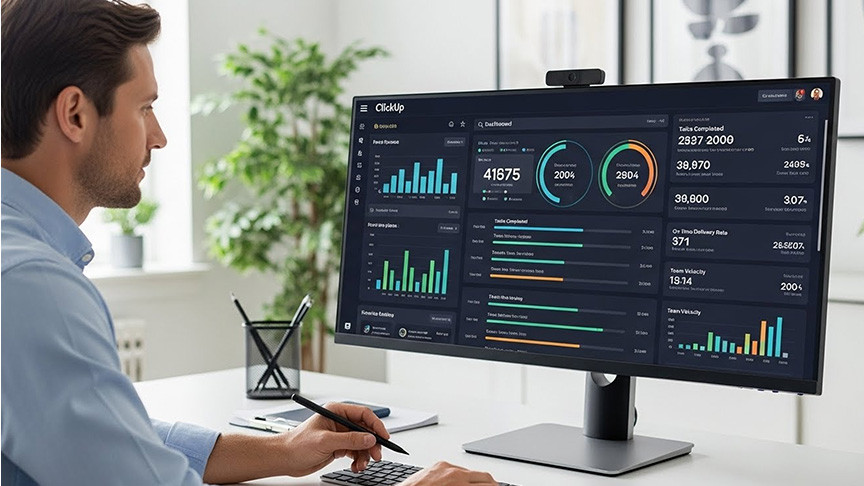
Dashboards in ClickUp are fully customizable, allowing users to build visual summaries tailored to specific roles or project goals. From burnup charts and workload overviews to time tracking and sprint velocity, every widget pulls live data directly from tasks, ensuring up-to-date reporting without manual input.
For team leads, this means spotting bottlenecks early, balancing workloads effectively, and keeping stakeholders aligned. For executives, it means having a high-level view of operational health across departments—without digging through spreadsheets or disconnected tools.
Core dashboard and reporting features include:
Custom Widgets – Build dashboards using task counts, time tracked, sprint metrics, and goal progress.
Real-Time Data Syncing – See up-to-date information without waiting for manual reporting.
Workload and Capacity Views – Monitor team utilization to prevent burnout and improve planning.
Goal Tracking – Link project outcomes to strategic objectives with visual progress indicators.
Shareable Reports – Create presentation-ready dashboards for internal reviews or external clients.
By turning raw data into meaningful insights, ClickUp’s reporting features help leaders at every level stay proactive—not reactive. It's clarity at scale, empowering smarter decisions across complex, growing teams.
Permission Controls That Scale with Your Team’s Structure
As teams grow, maintaining control over who can access what becomes essential—not just for security, but for clarity and accountability. ClickUp’s permission system is designed to scale with your organization, offering fine-grained access controls that adapt to changing team structures, roles, and project needs.
ClickUp allows admins to manage visibility and editing rights at multiple levels—Spaces, Folders, Lists, and even individual tasks. Whether you're working with internal teams, external contractors, or cross-functional stakeholders, you can provide access that's both appropriate and secure.
Key features of ClickUp’s permission system include:
Role-Based Access – Assign roles like Admin, Member, Guest, or Custom to define what users can view or modify.
Granular Permissions – Control access down to individual Lists and tasks to maintain confidentiality and focus.
Guest Access – Share specific work with clients or partners without exposing unrelated projects.
Custom Roles (Business+ Plans) – Tailor permissions by role to reflect your org chart or department needs.
Audit Trails – Monitor activity and changes to ensure compliance and accountability.
This layered permission model helps teams collaborate freely without compromising control. Whether you're onboarding new hires, collaborating with external partners, or managing sensitive initiatives, ClickUp ensures that the right people have the right access—no more, no less.
Final Verdict: Is ClickUp Built for Scalable Success?
For growing teams navigating the challenges of complex project management, ClickUp offers more than just task tracking—it delivers a scalable, adaptable workspace that grows with you. Its all-in-one platform combines flexibility with structure, allowing teams to standardize workflows, automate routine tasks, and maintain visibility across even the most distributed environments.
From custom hierarchies and robust permission controls to real-time collaboration and dynamic reporting, every feature in ClickUp is designed with scale in mind. The ability to integrate seamlessly with existing tools and replicate proven processes through templates ensures that growth doesn't come at the cost of efficiency or clarity.
Key takeaways for scaling teams:
Centralized control reduces fragmentation and improves alignment.
Automation and templates minimize manual work and enforce consistency.
Custom hierarchies and permissions provide structure without rigidity.
Dashboards and reports surface insights for better decision-making.
Collaboration tools keep communication contextual and accessible.
In short, ClickUp equips teams with the tools they need to scale confidently—without adding unnecessary complexity. For organizations ready to evolve their operations, it’s a platform built not just to manage growth, but to accelerate it.